









SUPLY ECHO · iOS APP SUPPORT
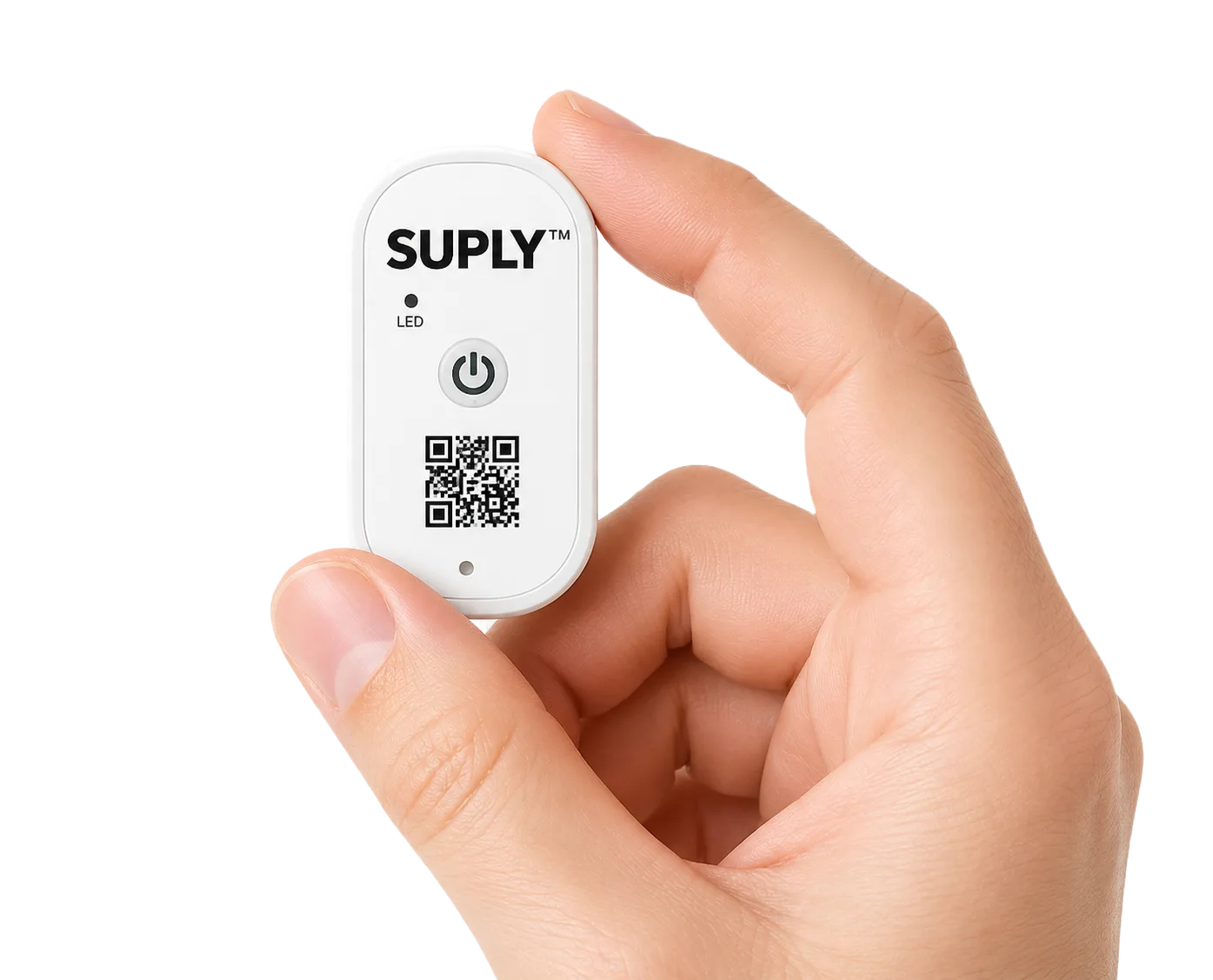
Suply Echo is the companion app for Suply Echo bluetooth loggers. Scan a QR code or enter a shipment reference, stand near your cargo, and the app automatically collects data from every device in the shipment.
Email support →GETTING STARTED
Download Suply Echo
Install the Suply Echo app from the App Store on your iPhone or iPad. Requires iOS 16 or later and Bluetooth enabled.
Identify your shipment
Scan the QR code on your shipment documentation, or manually enter the container number or airway bill number. Either will locate the shipment in the system.
Position yourself near the cargo
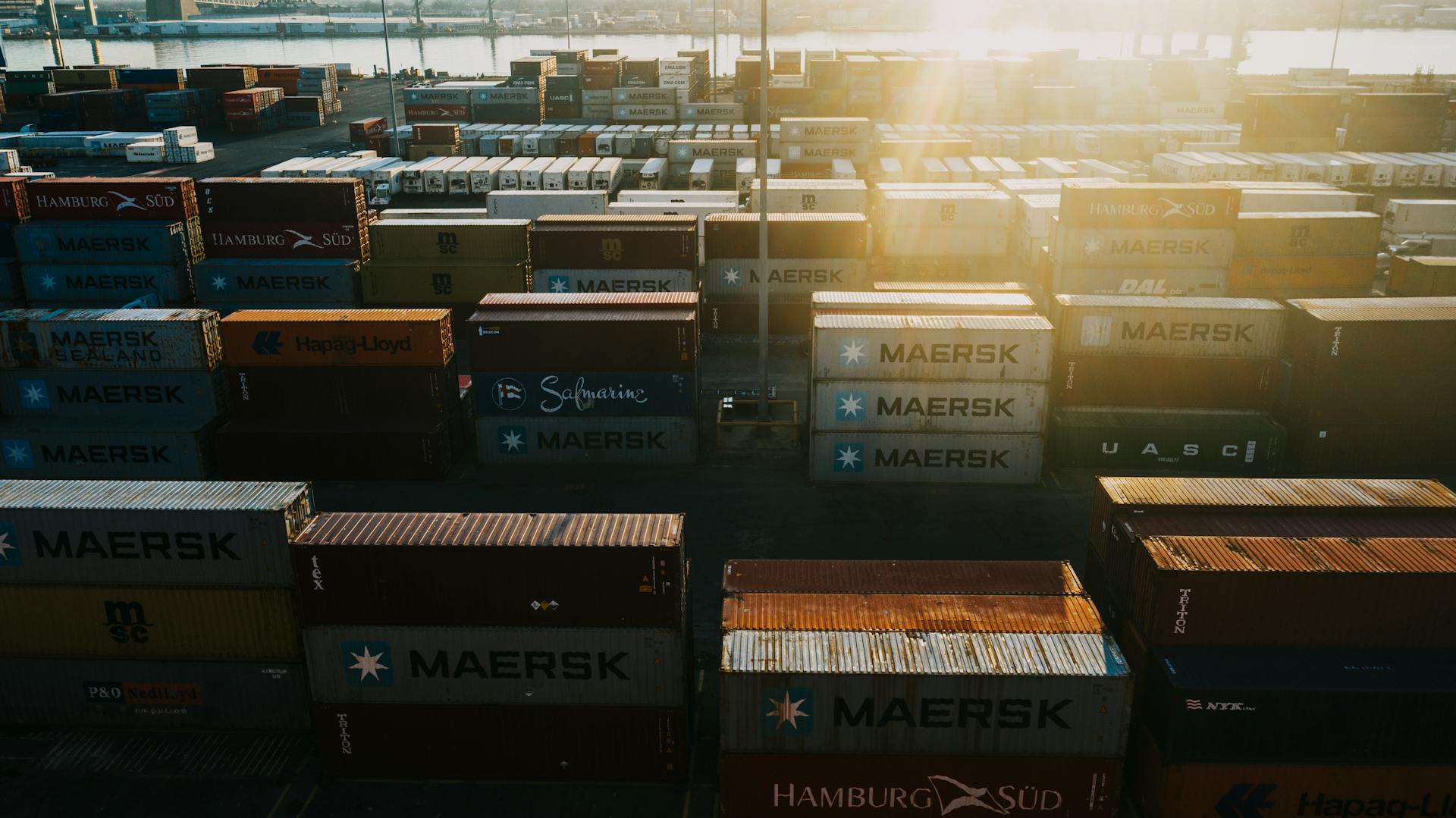
For sea freight, stand within approximately 10 metres of an open shipping container. For air freight, stand in front of the pallets. You do not need to locate individual devices.
Let the app scan automatically
The app will automatically detect and connect to all Suply Echo devices associated with the shipment. No manual pairing is required.
Data is collected from all devices
The app downloads the full condition log from every device in the shipment simultaneously. This covers all temperature and humidity records since departure.
View and share your report
Your condition report is displayed instantly. You can export it as a PDF or share it directly from the app.
FREQUENTLY ASKED QUESTIONS
Which devices does the app support?
Suply Echo works exclusively with Suply Echo bluetooth data loggers. It is not compatible with third-party loggers or USB devices.
How do I identify my shipment?
You can either scan the QR code on your shipment documentation, or type in the container number (sea freight) or airway bill number (air freight). Both methods will locate the correct shipment.
Do I need to find each device individually?
No. Once you have identified your shipment and are standing near the cargo, the app scans and collects data from all Echo devices automatically. There is no manual pairing required.
How close do I need to be to the cargo?
For sea freight, stand within approximately 10 metres of an open shipping container. For air freight, stand in front of the pallets. The container or unit load device must be accessible — the app cannot read through closed, sealed metal doors.
Can I use the app on multiple shipments?
Yes. Simply enter a new container number, airway bill, or scan a new QR code to switch to a different shipment.
Is an internet connection required?
An internet connection is required to upload your report to the Suply platform and send it to your team. Downloading data from the physical device works offline.
What iOS version is required?
Suply Echo requires iOS 16.0 or later running on an iPhone with Bluetooth LE support.
My download is stuck or incomplete. What should I do?
Move closer to the device, ensure the screen stays on, and avoid switching apps during the download. If the issue persists, close and reopen the app and try again.
How do I delete my data or account?
Email us at hello@suply.ai with the subject line 'Delete my data' and we will process your request within 30 days in accordance with our Privacy Policy.
CONTACT
Our team typically responds within one business day. Include your device ID and a description of the issue for the fastest resolution.
GET IN TOUCH
Available Monday – Friday, 09:00 – 18:00 GMT
© 2026 Suply Ltd · 20 Wenlock Rd, London N1 7GU, UK